Built forGPU sharing
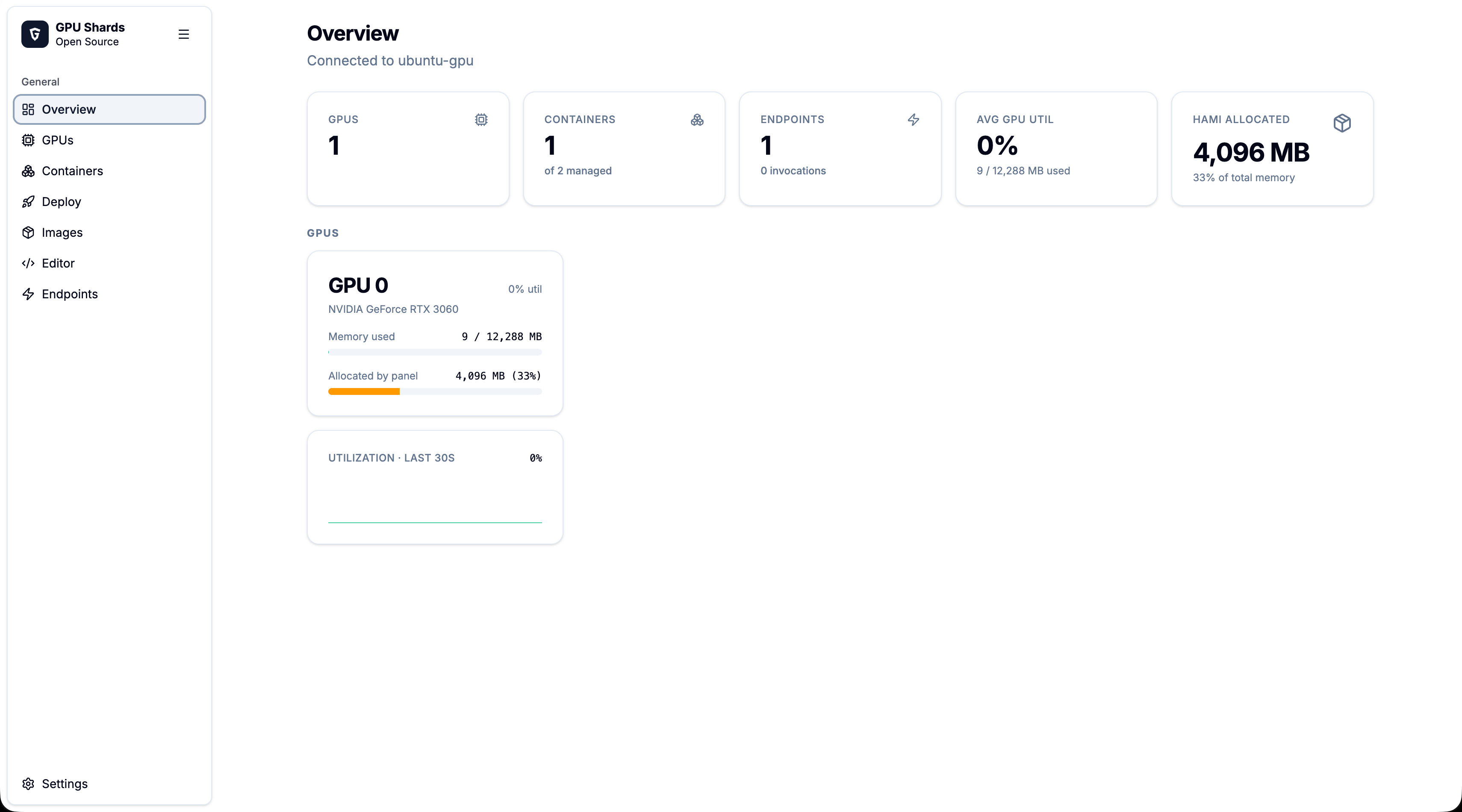
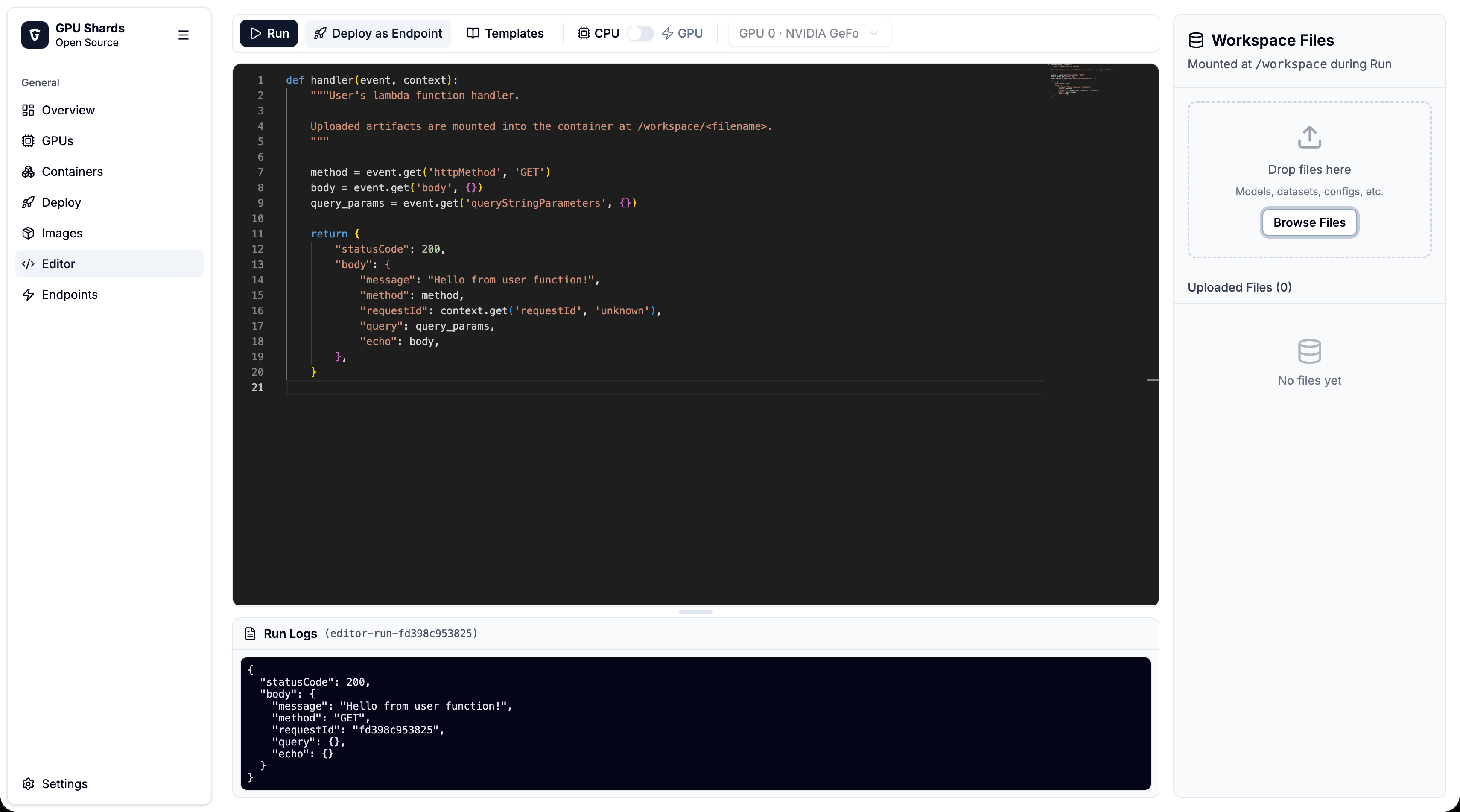
Carve one NVIDIA GPU into memory-isolated slices for multiple containers — no Kubernetes, no driver patches. Run the installer on any Ubuntu host with an NVIDIA driver and the backend, frontend, and HAMi-core libvgpu image are wired up for you.
$
curl -fsSL http://gpu-lambda-blog.vercel.app/install.sh | bashPrefer to do it yourself? Manual installation instructions.
Isolated shards
Split one GPU into fixed memory slices so each container gets a hard, enforced limit — not a best-effort share.
No Kubernetes
One installer wires up Docker, the NVIDIA toolkit, and the panel. No cluster, no operators, no driver patches.
Full CUDA
Workloads run against the real driver with stock CUDA images — the memory cap is transparent to the code inside.
Secure by default
Each container is confined to its own slice, so one tenant can't reach another's memory or saturate the card.